Features
Change monitoring
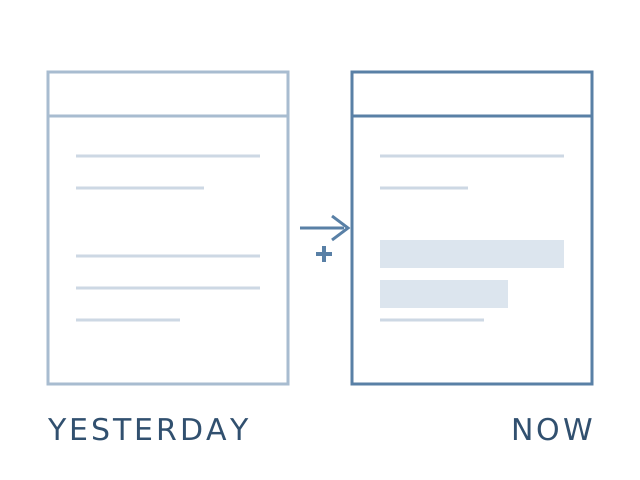
The page is checked on a schedule, and you learn not whether it is up, but what exactly changed: which rows in the data and which places in the layout.
Changes in the data
The collected table is compared with the previous run: you see what was added, what disappeared and what changed value.
Changes in the layout
The step frame is compared pixel by pixel. A shifted block, a missing button, overlapped text - all visible on a highlighted screenshot.
Told right away
Telegram and email. Not a report you have to remember to open, but a message saying what changed.
How to set it up
- Record a scenario by clicking - or just give one address if you watch a whole page.
- Add the "Compare with previous run" step for data, or "Visual regression" for layout.
- Set a schedule and choose where alerts should go.
Scenario steps
Compare with previous run
Visual regression
Collect data
All features
- Price tracking with a threshold and an alert Learn more →
- Data collection a catalogue in CSV or over API Learn more →
- Page audit console, layout, markup Learn more →
- Click-to-record scenarios recorder and browser extension Learn more →
- Checks from another country prices, availability, redirects Learn more →
- Tests written by an AI agent connect over MCP Learn more →
Try it on your own site
Give us a link - we handle the rest